Ask Nova.
Nova 1.0 [Beta] is the chat assistant inside the editor. Describe the edit you want and Nova helps carry it out on the timeline. You pick the chat model it uses from a public list.
A video editor built into NepTime, the free platform for uploading, livestreaming, and watching original videos. Cut on a multi-track timeline, ask the Nova assistant to make changes, generate a clip or a voiceover when you're missing one, and publish to your NepTime channel when it's done.
Free NepTime account required. The editor opens after you sign in at neptime.io.
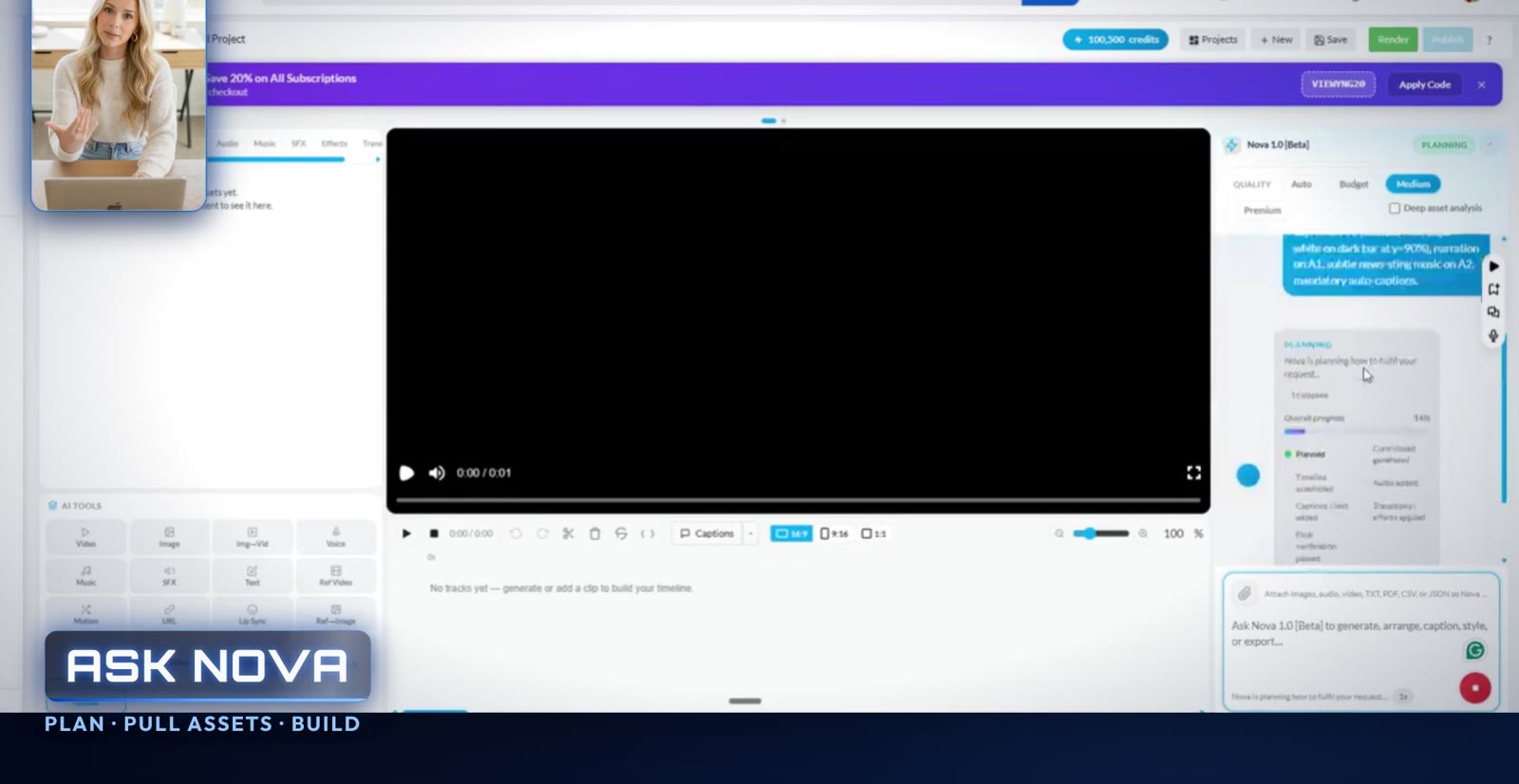
A one-minute tour of the editor. Vertical version.
Nova 1.0 [Beta] is the chat assistant inside the editor. Describe the edit you want and Nova helps carry it out on the timeline. You pick the chat model it uses from a public list.
Video, audio, text, and caption tracks, with effects and transitions. The preview sits in the center and properties and model selection are on the right.
Text-to-video, image-to-video, AI voiceover, and lip sync, plus Ref→Image and Img→Video for characters. Choose the generation model in the editor.
A media library filtered by videos, images, audio, music, and SFX, alongside the AI chat, effects, and audio tools in the left panel.
When the render finishes, send it to your channel with a title, description, and category, all from the same account.
It runs in the browser. Projects move through draft, rendering, completed, and published, so you can see where each one stands.
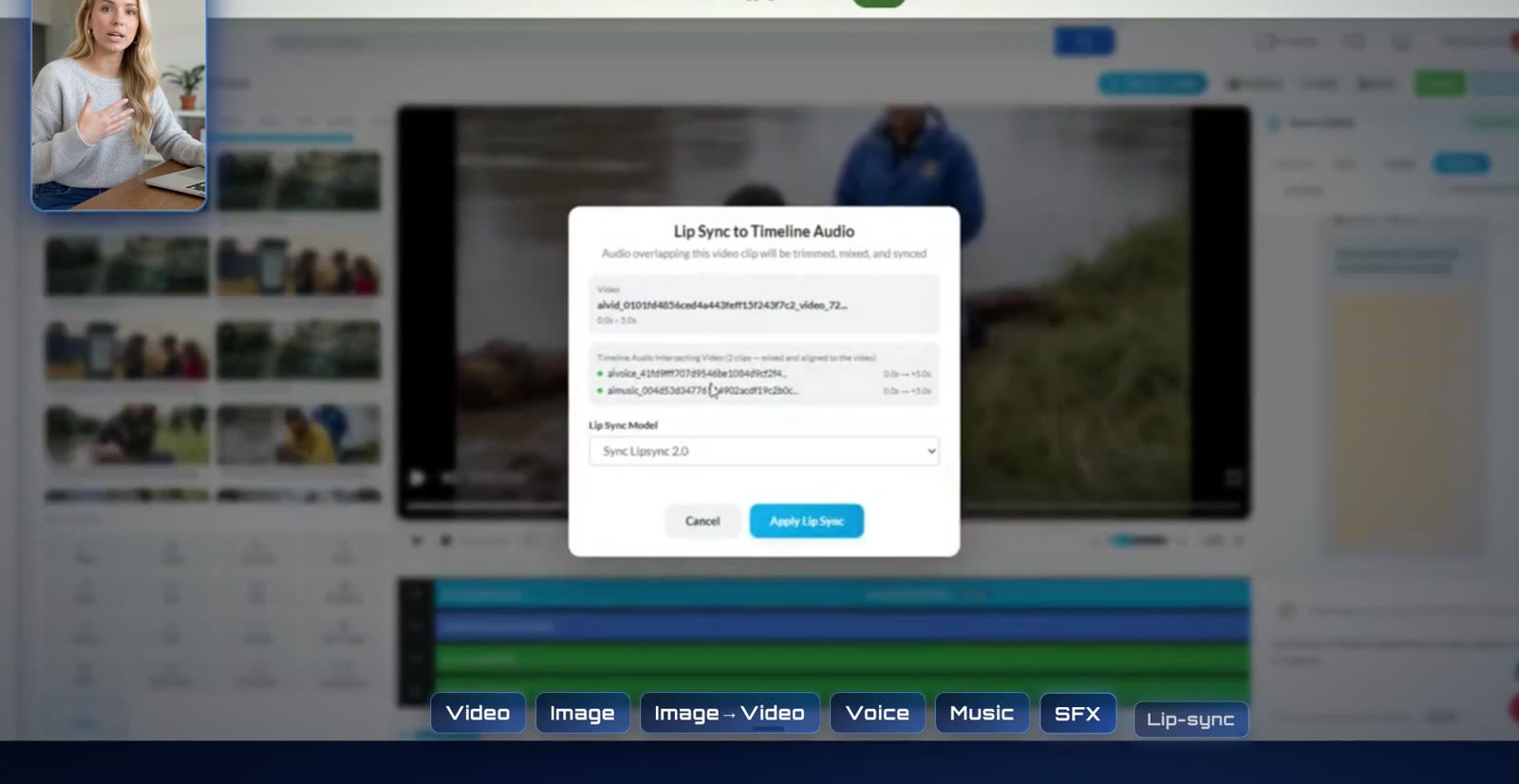
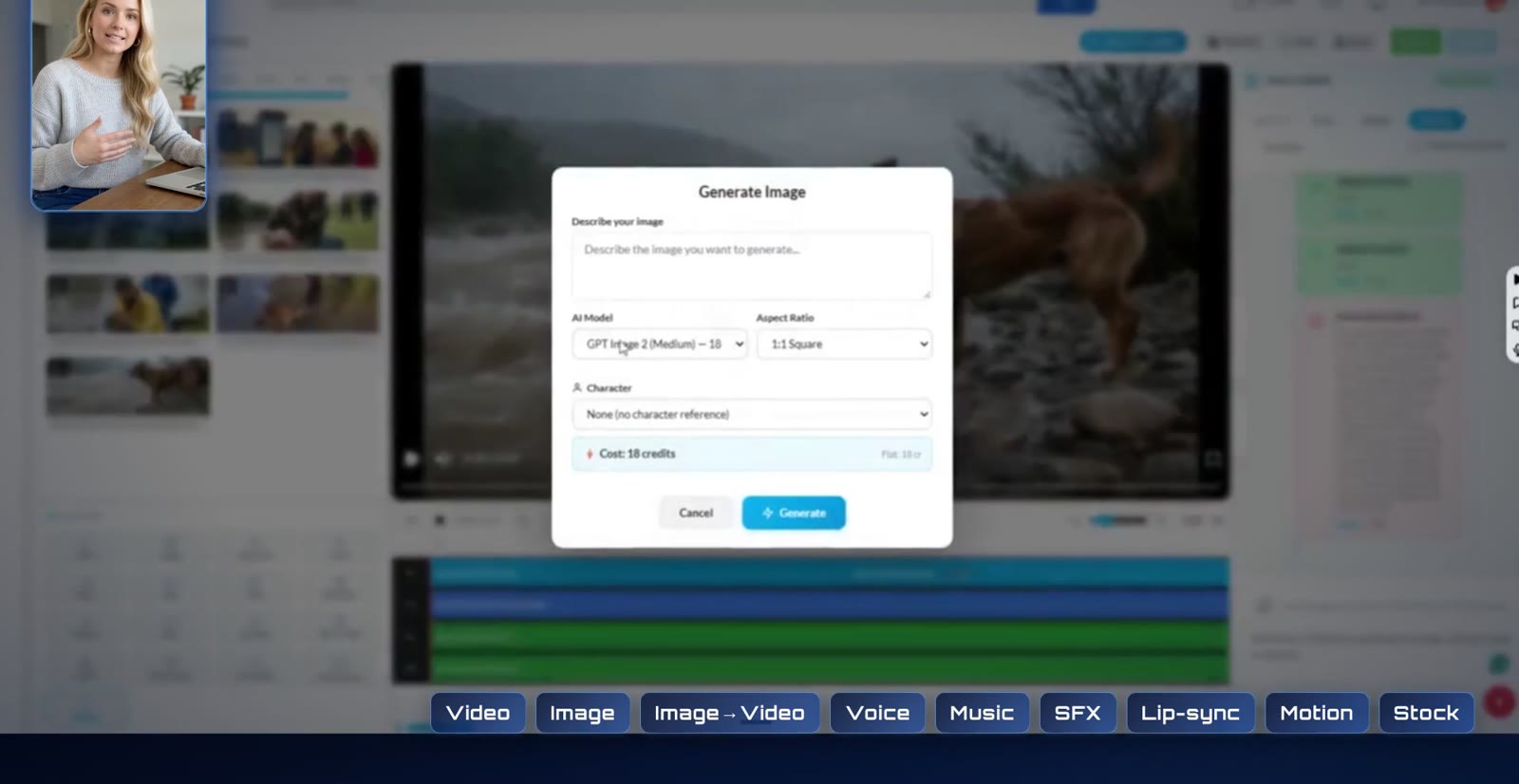
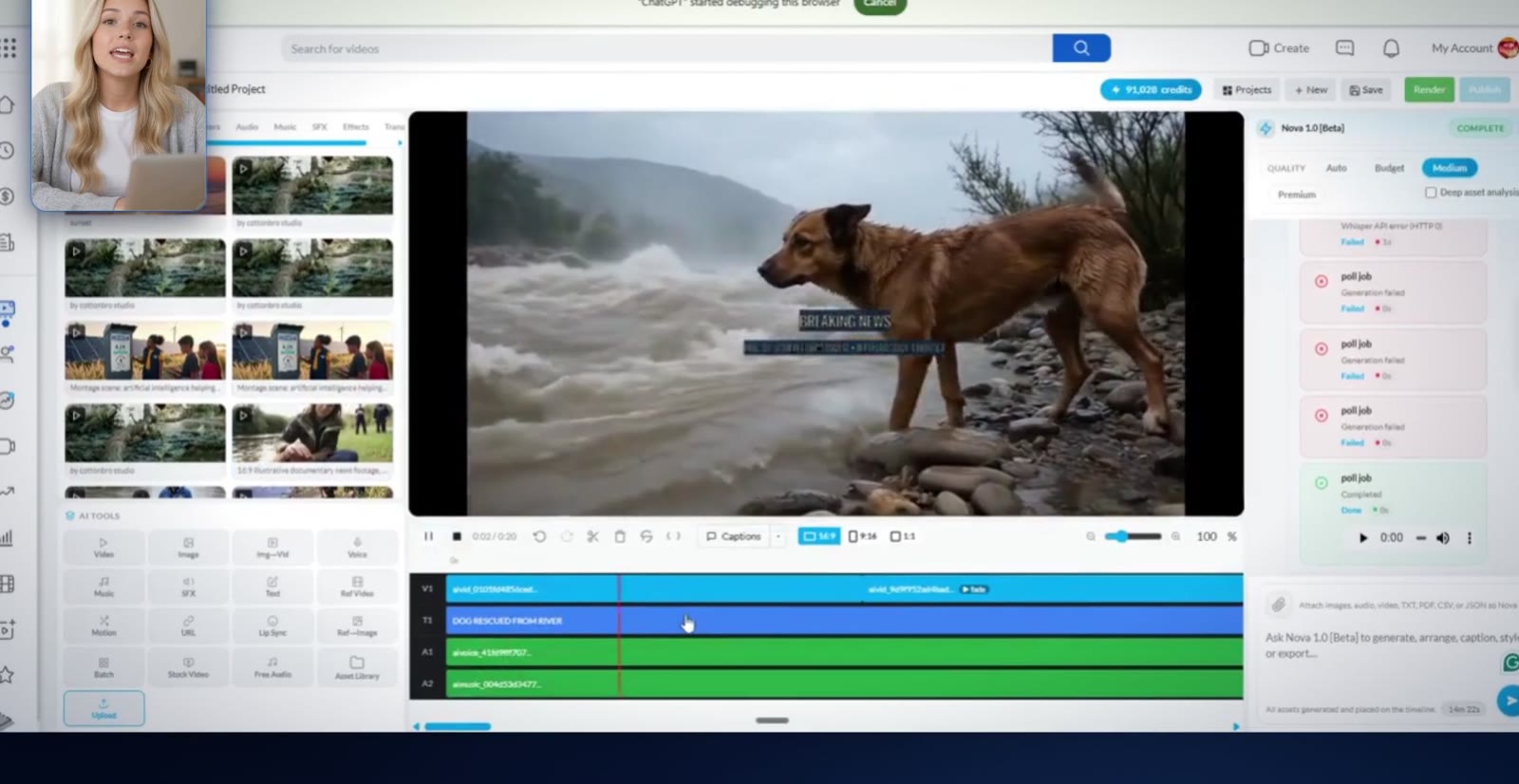
Frames taken from the product video.
A NepTime account is free, and so is watching and uploading. The AI Video Editor has a Free plan with monthly credits. Paid plans raise your monthly credit pool, and every plan comes monthly or yearly.
| Plan | Monthly | Yearly | Credits / month |
|---|---|---|---|
| Free | $0 | $0 | 100 |
| Starter | $19 | $168 ($14/mo) | 1,800 |
| Creator | $39 | $348 ($29/mo) | 4,100 |
| Director | $99 | $888 ($74/mo) | 12,200 + first-month bonus |
| Studio | $299 | $2,688 ($224/mo) | 42,000 + first-month bonus |
One-time credit packs: Starter Pack $4.99 (500 + 50 bonus), Creator Pack $14.99 (2,000 + 300), Pro Pack $34.99 (5,000 + 1,000), Studio Pack $99.99 (15,000 + 5,000).
LAUNCH2525% off any plan. Limited time only.SAVE1010% off credit packs, through Dec 31, 2026.VIEWYNG2020% off subscriptions, through Dec 31, 2026.Enter codes in the editor's paywall under “Have a coupon code?”. Prices come from the AI Video Editor terms (updated April 11, 2026). If anything differs, the price on the subscription page when you buy wins.
Start freeYes. Creating a NepTime account is free, and watching and uploading videos on NepTime do not require an AI subscription. The AI Video Editor includes a Free plan with monthly credits (100 a month when we last checked). Paid plans add larger monthly credit pools. After you sign in, the editor's plan page shows exactly what your account has.
Your projects, media, and credits belong to your NepTime account, and finished videos publish to your channel. So the editor opens after you log in. This page and the public docs describe it without an account.
No. Nova 1.0 [Beta] is the chat assistant that helps you edit. The chat models Nova can use are listed publicly at neptime.io/nova-models. Video, voice, music, and lip sync models are separate, and you pick them inside the editor.
Yes. When your render finishes, use Publish to NepTime and add a title, description, and category.
Open the paywall inside the AI Video Editor and choose “Have a coupon code?”. LAUNCH25 takes 25% off any plan and is available for a limited time only. SAVE10 takes 10% off credit packs and VIEWYNG20 takes 20% off subscriptions, both through December 31, 2026.
Monthly subscription credits reset at the start of each billing period and do not roll over. Credits from a credit pack last one year from your most recent pack purchase; pack bonus credits last one month. Full details are in the AI Video Editor terms.
We don't publish a maximum length on this page. If you need a specific length, check the editor on your plan or ask NepTime Support before you commit to a project.
Use NepTime Support at support.version-6.com, or read the public docs for the editor.
NepTime is a Version 6 company. The AI Video Editor is part of NepTime, and the platform itself stays free to watch and upload.